
Collaborative Process Mapping Software Built for Continuous Improvement
See to Solve Flow™ is a visual workspace designed for the people who actually do the work. Map exactly how information and tasks move across people and time, amplify hidden process breakpoints, and run team-based root cause analysis natively on a living timeline canvas.
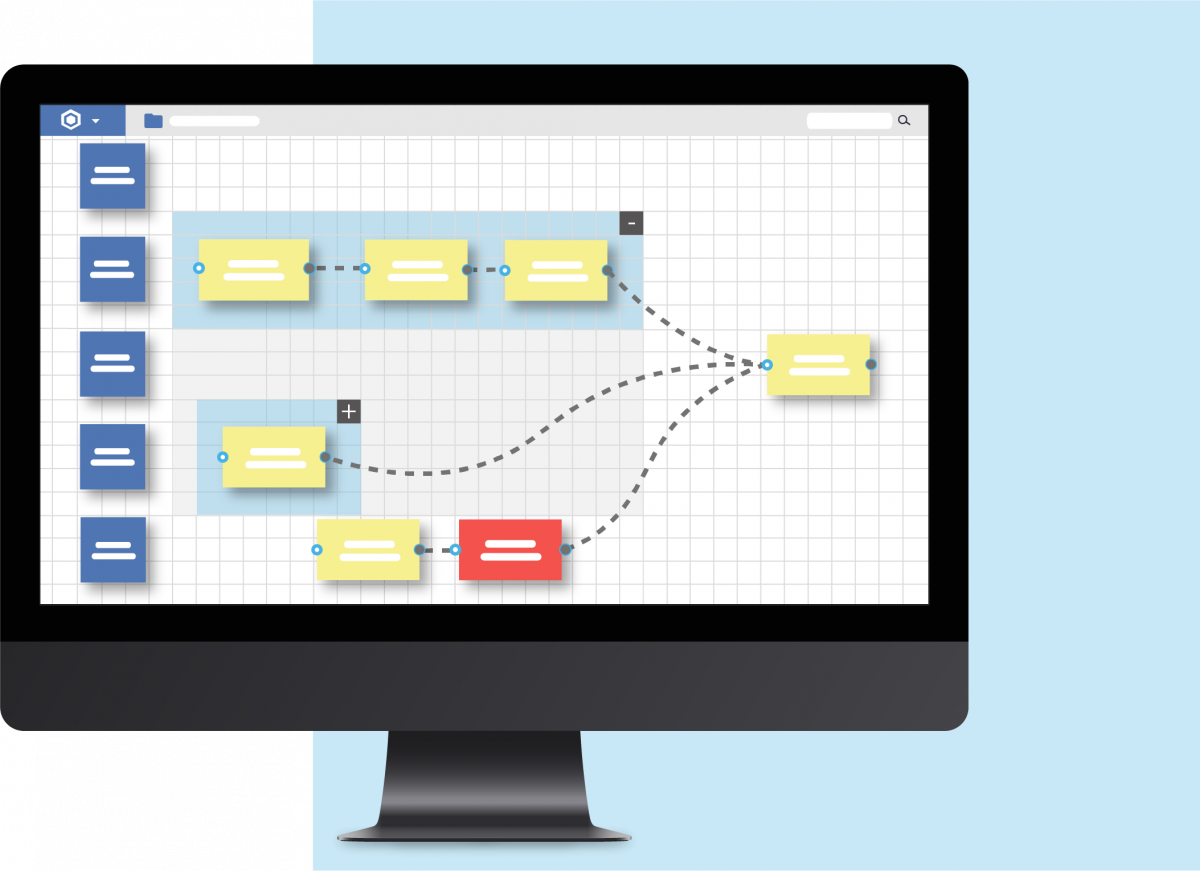
See to Solve Flow: Visual Collaborative Business Process Mapping for Continuous Improvement
In this short overview, Dr. Steven Spear and the See to Solve team show how Flow turns traditional process maps into a living, collaborative system for business process mapping and continuous improvement. You’ll see how Flow makes interdependent people and activities visible, clarifies handoffs across roles and departments, and gives teams a shared, real-time view of process flow. This is the best starting point if you want to understand how Flow supports high-velocity learning and everyday process improvement work.
When you’re ready to go deeper, scroll down to the Flow tutorial series for step-by-step guidance on using business process maps in Flow to run continuous improvement with your teams.
See to Solve Flow: Business Process Mapping & Continuous Improvement Tutorial Series
This See to Solve Flow tutorial series walks you step-by-step through building business process maps, visualizing process flow across roles and teams, and using those maps to drive continuous improvement. In about twenty short videos, you’ll learn how to create information-rich workflow maps, clarify handoffs and relationships, and turn your process maps into a living system for ongoing process improvement and organizational learning.
What You’ll Learn in This See to Solve Flow Series
- How to navigate and master the See to Solve Flow Home Screen as your daily command center for process improvement
- How to track Alerts, root cause analyses, experiments, and discoveries in one central dashboard so nothing gets lost
- How to gain full visibility into process improvements across your entire organization using Company Files
- How to search, preview, organize, and manage process maps efficiently in Company Files
- How to create a new process map and correctly add participants, roles, and swim lanes
- How to do real-time collaborative process mapping with remote and distributed teams
- How to quickly add actions and assign tasks to build clear visual process maps
- How to attach standard work, SOPs, and documents directly to your process maps
- How to map critical handoffs so work doesn’t fall through the cracks
- How to add timing, duration, and cycle times to visualize delays and improve flow
- How to add process breakpoints (Alerts) to create a real-time problem detection system
- How to perform root cause analysis directly from Alerts
- How to assign, track, and manage improvement experiments in Flow
- How to capture and share discoveries so the whole organization can reuse what works
- How to use Focus View to train team members faster and more effectively
- How to customize the legend to make complex process maps easy to read
- How to map shared work using the powerful “Carry a Couch” chaining feature
- How to compare multiple process maps side-by-side for faster review and improvement
- How to send targeted reminders to keep process improvement actions on track
Advanced Business Process Mapping & Workflow Management
Collaborative Process Mapping: Map complex, cross-functional dependencies simultaneously with your distributed team.
Continuous Improvement: Don’t just draw static diagrams. Use a living ecosystem to track process aberrations and execute lean methodologies.
Workflow Mapping & Timelines: Instantly drop organizational roles, tasks, and handoffs into functional swimlanes to pinpoint exactly who is responsible for what.
A Living, Actionable Map of Your Processes
See to Solve Flow™ enables teams to design, visualize, and analyze processes with information-rich workflow maps, and collaborate, real-time to improve them.
Information-rich process maps
Clearly define every activity, with support for multiple suppliers, varied inputs, process details and handoffs.
- Specify roles and responsibilities
- Make hand-offs and connected activities visible
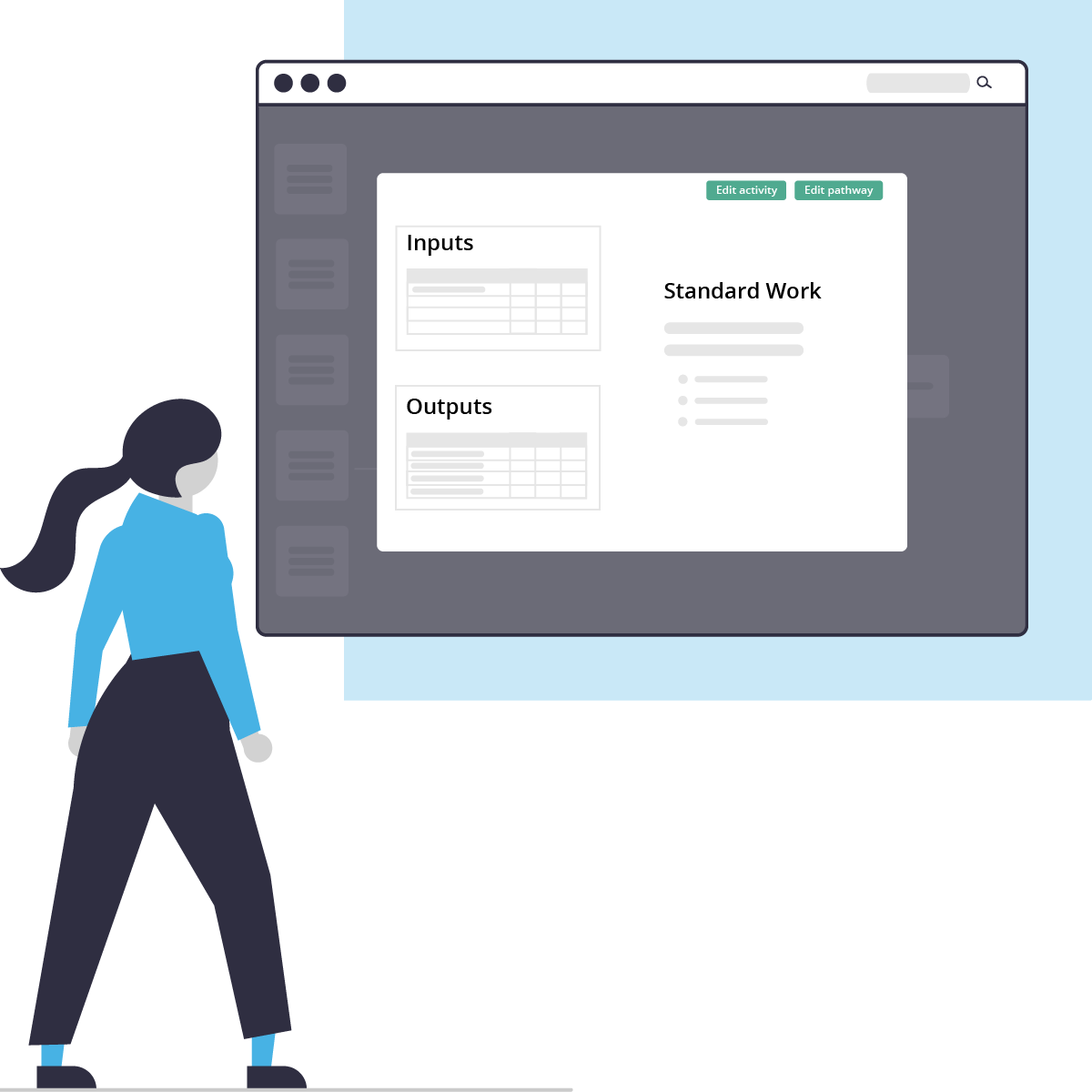
- Embed inputs, outputs and standard work
- Map processes in swim lanes along a horizontal time axis
- Color code for easy visual review and critical path analysis
Real-time collaboration
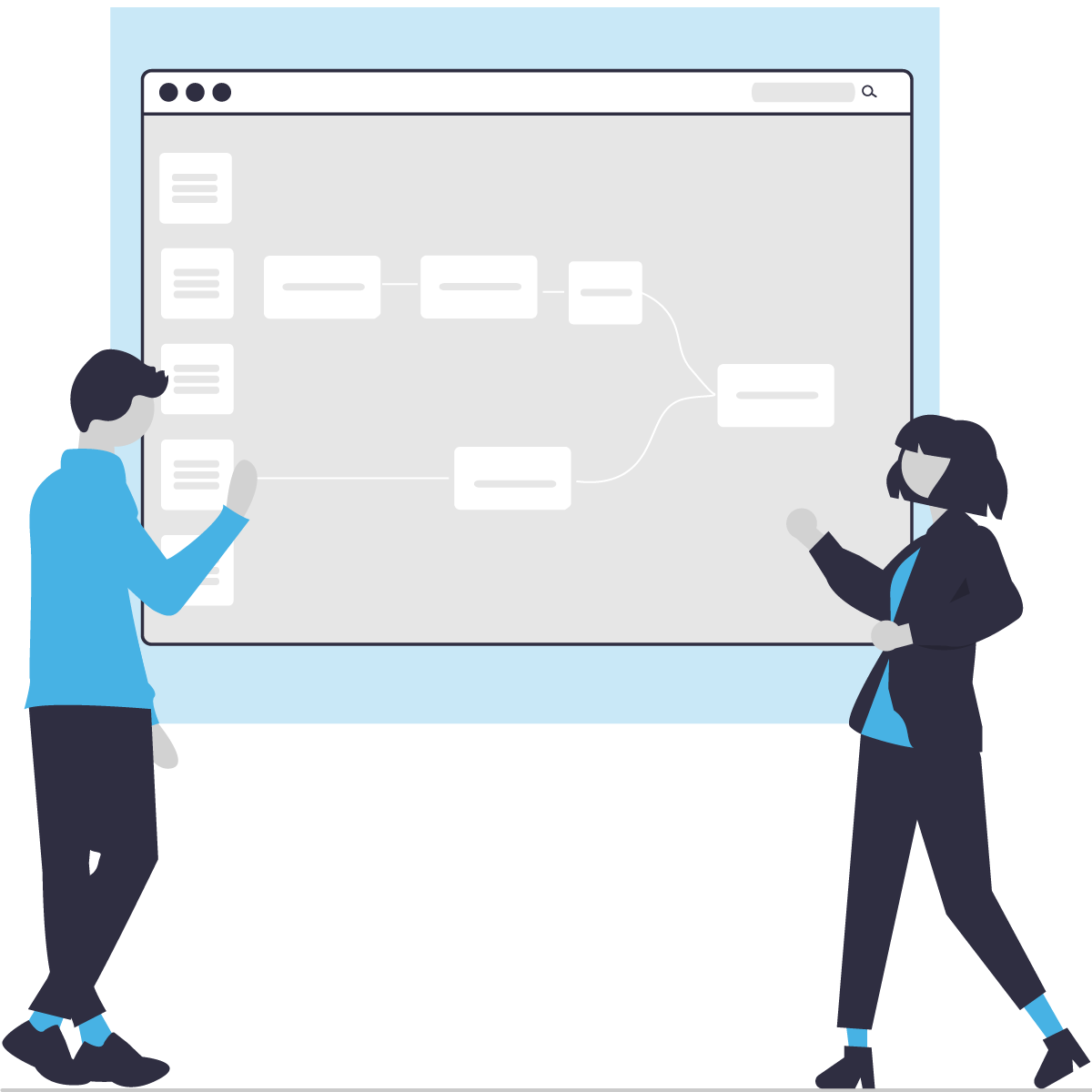
Design or explore a map with your team in real time, with clear indicators for who is editing which objects.
- Multiple users can access, view and edit process maps simultaneously
- Get your team aligned
- Provide training on new processes with clarity and precision
Visibility of complex and interconnected workflows
Flexible viewing options enable you to look at process maps from many different perspectives, from big picture overviews, to the smallest details of processes and sub-processes.
- Department, team, and individual-level mapping
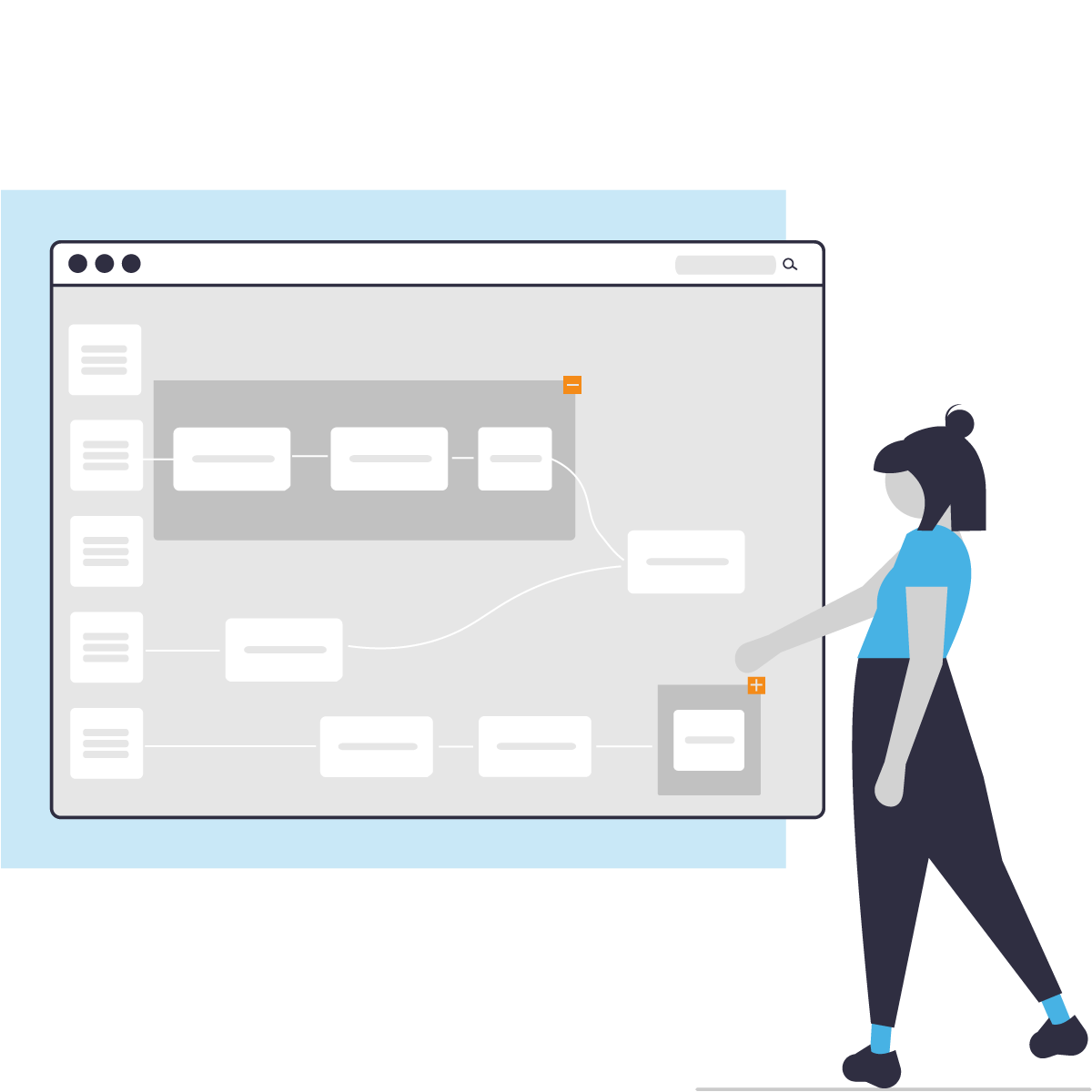
- Zoom in and out of processes-timelines
- Link multiple maps together for an organization-wide perspective
- Show the map from each role’s perspective using Focus View™
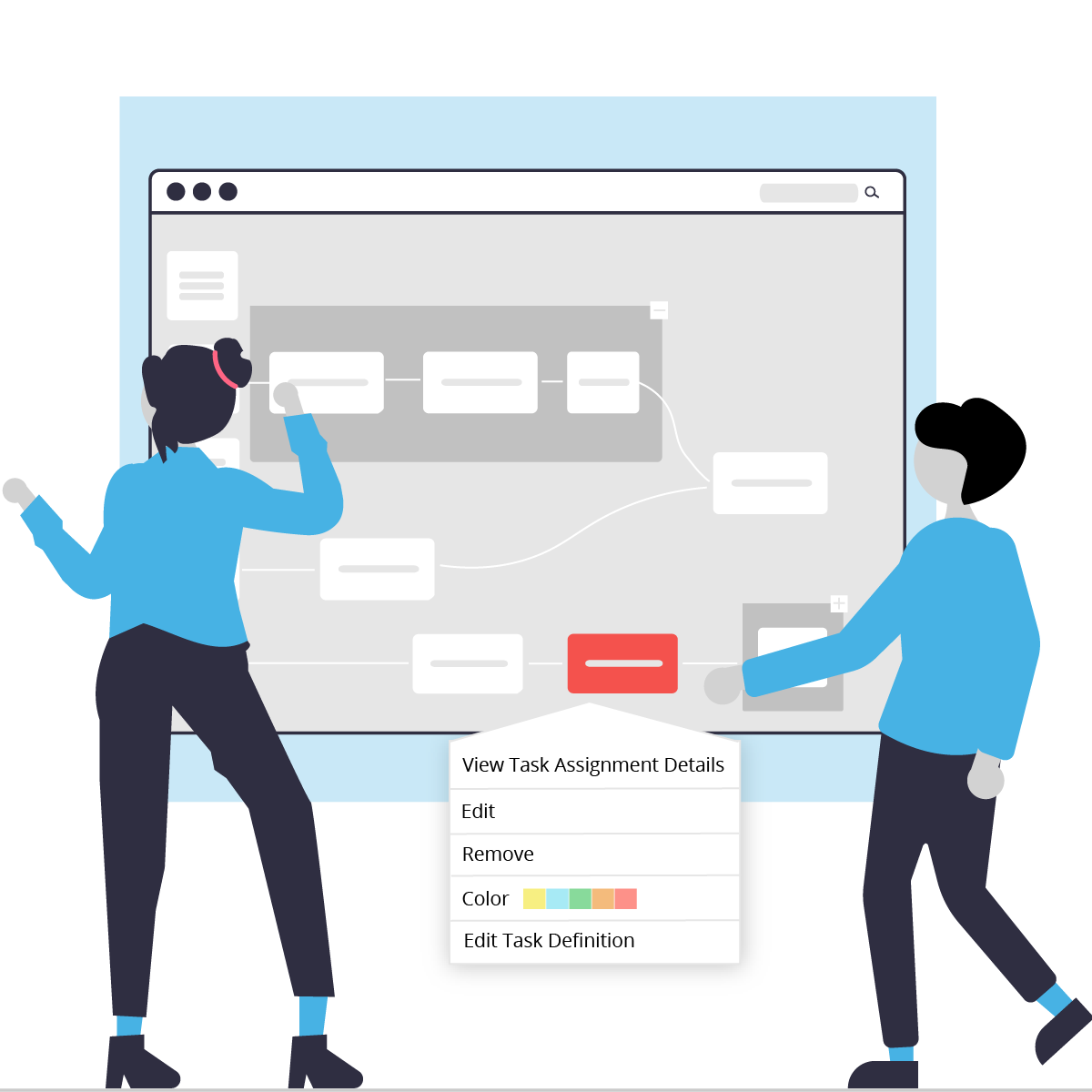
Process performance monitoring
See what’s happening with your processes in real-time, with visual indicators of where problems are occurring.
- Identify tasks as invalid or single points of failure with clear visual indicators on the map
- Embed issue tracking with cross-links to Jira or other ticketing systems
- Swarm performance issues with visibility into where issues are actually occurring
Continuous improvement
Process maps at your fingertips facilitate continuous improvement and organizational learning. Each process map is a reflection of the best knowledge of how things work, and is the ready basis for improvement efforts.
- Impact analysis
- Root cause analysis
- Process improvement
See to Solve Flow – Product Brochure
Get the details and share with your team!
Features
See to Solve Flow™ is designed to help your org work seamlessly toward shared goals.
Map Everything
Easily create visual workflows, business processes, user journeys, support processes, flowcharts, and more.
Effortless Collaboration
Share maps with your team and stakeholders, invite collaboration and revision from everywhere there are people involved.
Revision History
Track when a diagram was last edited, rollback unwanted changes, and save diagram versions to compare changes over time.
Swim Lanes
Easily highlight the links between roles and activities using the guidelines of structured swim lanes.
Focus View
Gray out distractions and focus on only your tasks and those that are related.
Map complex processes and current conditions with See to Solve Flow™
Map everything and get a complete overview of big picture initiatives, potential options, and outcomes on a shared map of enterprise processes.
Q: How does Flow assist with business process mapping?
A: Flow provides a digital, collaborative process mapping environment where cross-functional teams can visually lay out tasks, roles, and handoffs across a unified timeline.
Q: Can this software be used for continuous improvement and workflow mapping?
A: Yes. Unlike traditional static drawing tools, Flow is built specifically for continuous improvement. It allows teams to run dynamic workflow mapping sessions that capture real-time system failures and operational breakdowns.
Q: How does See to Solve Flow differ from open-ended whiteboards like Miro or Visio?
A: Miro, Mural, and Visio offer canvas environments for shape diagramming, but they do not guide teams through structured process improvement. They generate static, unguided drawings that quickly become outdated. Flow provides explicit structural guardrails built on organizational learning principles. It allows teams to track workflows along an active timeline, amplify live breakpoints, and apply the scientific method to fix issues systematically.
Q: When should a team choose Flow over an AI SOP tool like Scribe or Trainual?
A: Scribe and Trainual excel at capturing individual desktop screen-clicks for isolated training playbooks. However, enterprise processes rarely break during isolated individual actions; they break down during the invisible handoffs between people and departments. Flow maps how both tasks and information flow across people and time, enabling true collaborative problem-solving among the people who do the work.
Q: How does Flow compare to enterprise business process mapping tools like Lucidchart, Signavio, or Bizagi?
A: Traditional enterprise BPM/BPMN suites are built for compliance modeling, systems engineering, and developer orchestration. They are highly technical and typically restricted to process architects. See to Solve Flow is engineered for team-driven operational learning. It democratizes process mapping, giving the people executing the daily tasks a guided workspace to spot operational breakdowns, run hypotheses tests, and share discoveries instantly.
From Diagramming to Solving: Read our latest article on how to transition from passive business process mapping to live, collaborative operational learning. Read the blog post here
Real-World Impact & Case Studies
Discover how enterprise teams move past static flowcharts to drive actual cultural change and process optimization. Read our full case studies on how collaborative process mapping accelerated turnaround times from 10 hours to 10 minutes here
Enterprise Remote Work Case Studies
Discover how distributed enterprise teams maintain operational excellence. Read our full case study on how Solidigm successfully adapted continuous improvement and collaborative process mapping to remote work environments using See to Solve Flow™ here
Beyond Flowcharts & Documentation: How Flow Compares
Organizations often struggle with recurring bottlenecks because they try to solve complex process problems using tools built for entirely different purposes. True continuous improvement requires moving past static drawings and building a continuously learning organization.
- Why Flow Replaces AI SOP Tools (Scribe, Trainual):
SOP recorders document individual, linear software clicks. However, enterprise processes rarely fail during isolated individual actions—they break down during the invisible handoffs between people and departments. Flow is built for the people who actually do the work, helping cross-functional teams visualize how tasks and information move across people and time.
- Why Flow Replaces Open-Ended Visual Whiteboards (Miro, Mural, Visio):
Digital whiteboards offer an unguided blank canvas for generic brainstorming, which often leads to “blank canvas paralysis.” They do not actively guide teams through continuous improvement collaboration, nor do they provide a structured system for organizational learning. Flow replaces blank shapes with structured guardrails that guide teams to spot breakpoints, pause, and solve systemic issues permanently.
- Why Flow Replaces Enterprise BPM/BPMN Engines (Lucidchart, Signavio):
Traditional enterprise business process mapping suites are built for compliance modeling and rigid engineering architecture. They are highly technical and usually restricted to specialized process architects. Flow democratizes process mapping, giving the people executing the daily work a guided, timeline-driven workspace to run root cause analysis together.
Operational Tooling Capability Matrix
| Operational Capability | See to Solve Flow™ | BPM/BPMN Engines (Lucidchart, Signavio, Bizagi) | Static Whiteboards (Miro, Visio, Mural) | AI SOP Capture (Scribe, Trainual) |
|---|---|---|---|---|
| Primary System Goal | Continuous learning and scientific problem-solving. | Compliance modeling, rigid process architecture, and systems engineering. | Visual brainstorming and flat shape sketching. | Linear training manuals and software onboarding. |
| User Access | Built explicitly for the people who do the work to map workflows together. | Restricted to specialized data engineers, analysts, and architects. | Open to everyone, but suffers from unguided “blank canvas paralysis.” | Created by one power-user to train passive trainees. |
| Capturing Handoffs | Excellent. Specifically illuminates the white space and timing variables between roles. | Complex. Tracks data handoffs mathematically but misses human friction variables. | Passive. Represents paths with lines but misses real-world execution timing. | None. Focuses entirely on individual UI clicks, missing cross-functional links. |
| Handling Breakpoints | Active. Built-in Root Cause Analysis (RCA) loops guide permanent resolution. | Analytical. Identifies performance issues via data mining but doesn’t guide human fixes. | Passive. Notes errors textually but lacks a mechanism to test or track fixes. | None. Requires procedures to be entirely re-recorded if the backend changes. |
| Methodology Guidance | Guided Canvas. Drives teams step-by-step through the scientific method. | Technical Compliance. Enforces rigid notation standards over operational learning. | Unguided Canvas. Requires highly advanced facilitation to avoid unorganized clutter. | Rigid Text. Documents individual tasks without room for team discovery. |
Q: How does See to Solve Flow differ from open-ended whiteboards like Miro or Visio?
A: Miro, Mural, and Visio offer blank canvases for shape diagramming, but they do not guide teams through structured process improvement. Flow provides explicit structural guardrails built on organizational learning principles. It allows teams to track workflows along an active timeline, amplify live breakpoints, and apply the scientific method to fix issues systematically.
Q: When should a team choose Flow over an AI SOP tool like Scribe or Trainual?
A: Tools like Scribe and Trainual excel at capturing individual desktop screen-clicks for isolated training playbooks. However, enterprise processes rarely break during isolated individual actions; they break down during the invisible handoffs between people and departments. Flow maps how both tasks and information flow across people and time, enabling true collaborative problem-solving among the people who do the work.
Q: How does Flow compare to enterprise business process mapping tools like Lucidchart, Signavio, or Bizagi?
A: Traditional enterprise BPM/BPMN suites are built for compliance modeling, systems engineering, and developer orchestration. They are highly technical and typically restricted to process architects. See to Solve Flow is engineered for team-driven operational learning. It democratizes process mapping, giving the people executing the daily tasks a guided workspace to spot operational breakdowns, run hypotheses tests, and share discoveries instantly.